Configure Axoflow to write your log data into Amazon S3 buckets.
Destinations
Configure Axoflow to send your security data to SIEMs, object storage, observability platforms, and other destinations.
The following chapters show you how to configure Axoflow to send your data to specific destinations, like SIEMs or object storage solutions.
-
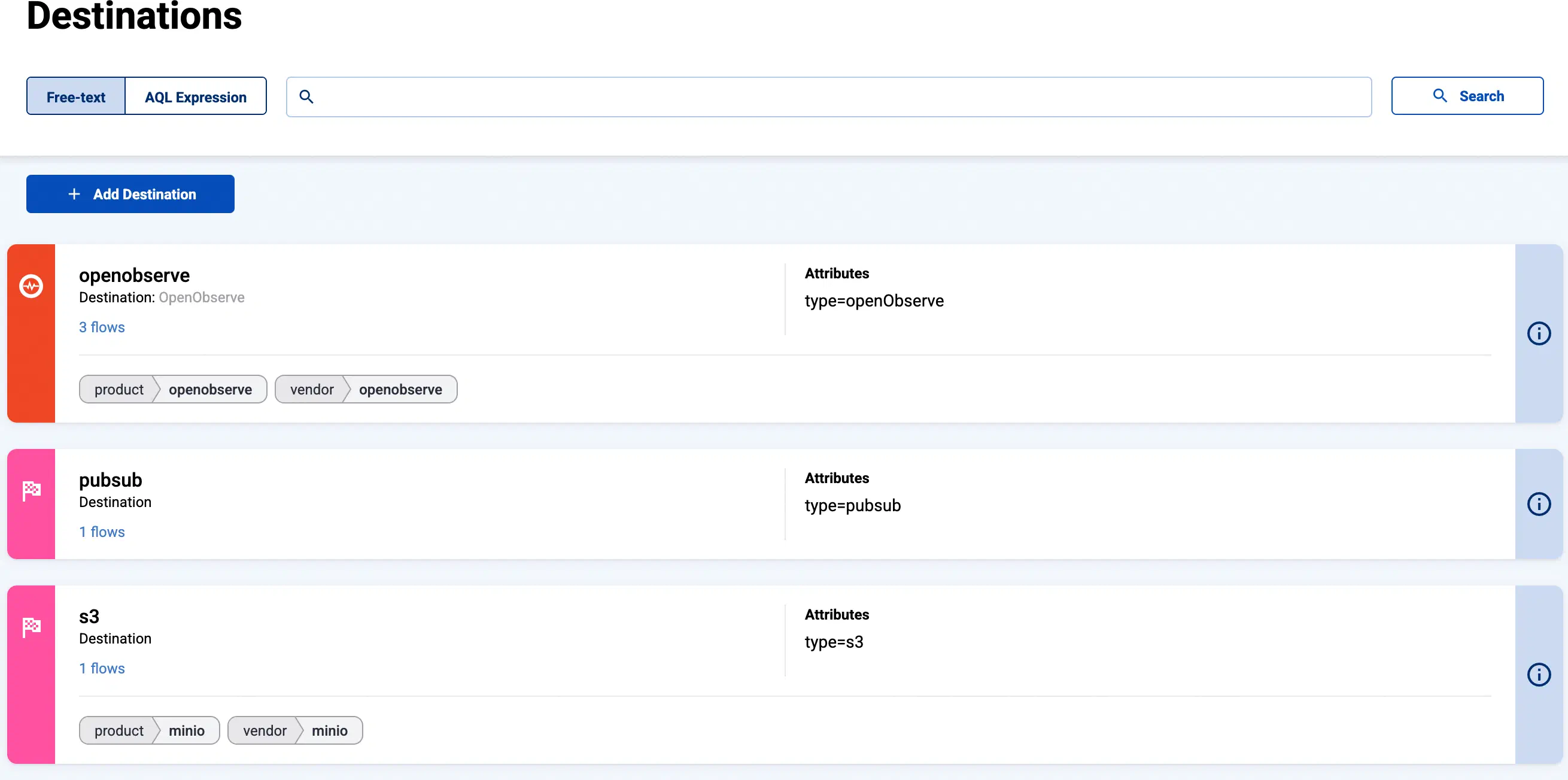
You can find the list of existing destinations on the Destinations page.
-
To modify an existing destination, select its name from the list, then select Edit.
-
Stores and External Stores are also listed as destinations.
- AxoStore stores logs locally on the AxoRouter that processed the messages.
- External stores use a separately deployed AxoLake or an existing compatible ClickHouse cluster.
To create a new store, see Create Store or Create External Store.
-
To create a new destination, select Add Destination. See the section of the specific destination for details.
Amazon
ClickHouse
Find out about upcoming support for sending data from Axoflow to ClickHouse.
Elastic
Send data from Axoflow to Elastic Cloud and self-managed Elasticsearch clusters.
Generic
Forward data to any syslog receiver, or discard it with the /dev/null destination.
Google
Send data from Axoflow to Google BigQuery, Google Cloud Pub/Sub, and Google Security Operations (SecOps).
Grafana
Send log data from Axoflow to Grafana Loki for storage and querying.
Microsoft
Send data from Axoflow to Microsoft Sentinel and Azure Monitor.
Palo Alto Networks
Configure Axoflow to send your data to Palo Alto Networks Cortex XSIAM.