Destinations
The following chapters show you how to configure Axoflow to send your data to specific destinations, like SIEMs or object storage solutions.
-
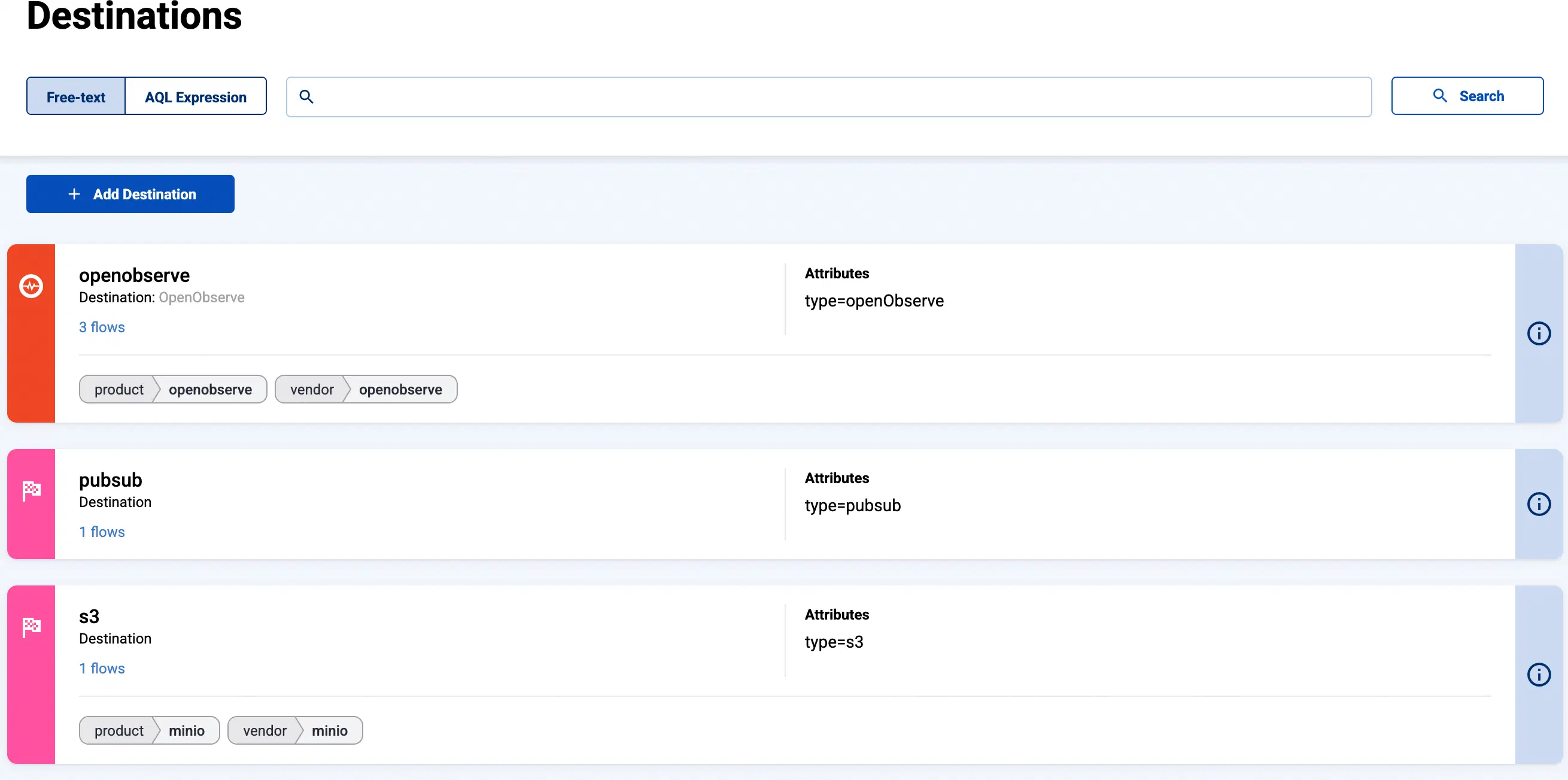
You can find the list of existing destinations on the Destinations page.
-
To modify an existing destination, select its name from the list, then select Edit.
-
Stores and External Stores are also listed as destinations.
- AxoStore stores logs locally on the AxoRouter that processed the messages.
- External stores use a separately deployed AxoLake or an existing compatible ClickHouse cluster.
To create a new store, see Create Store or Create External Store.
-
To create a new destination, select Add Destination. See the section of the specific destination for details.