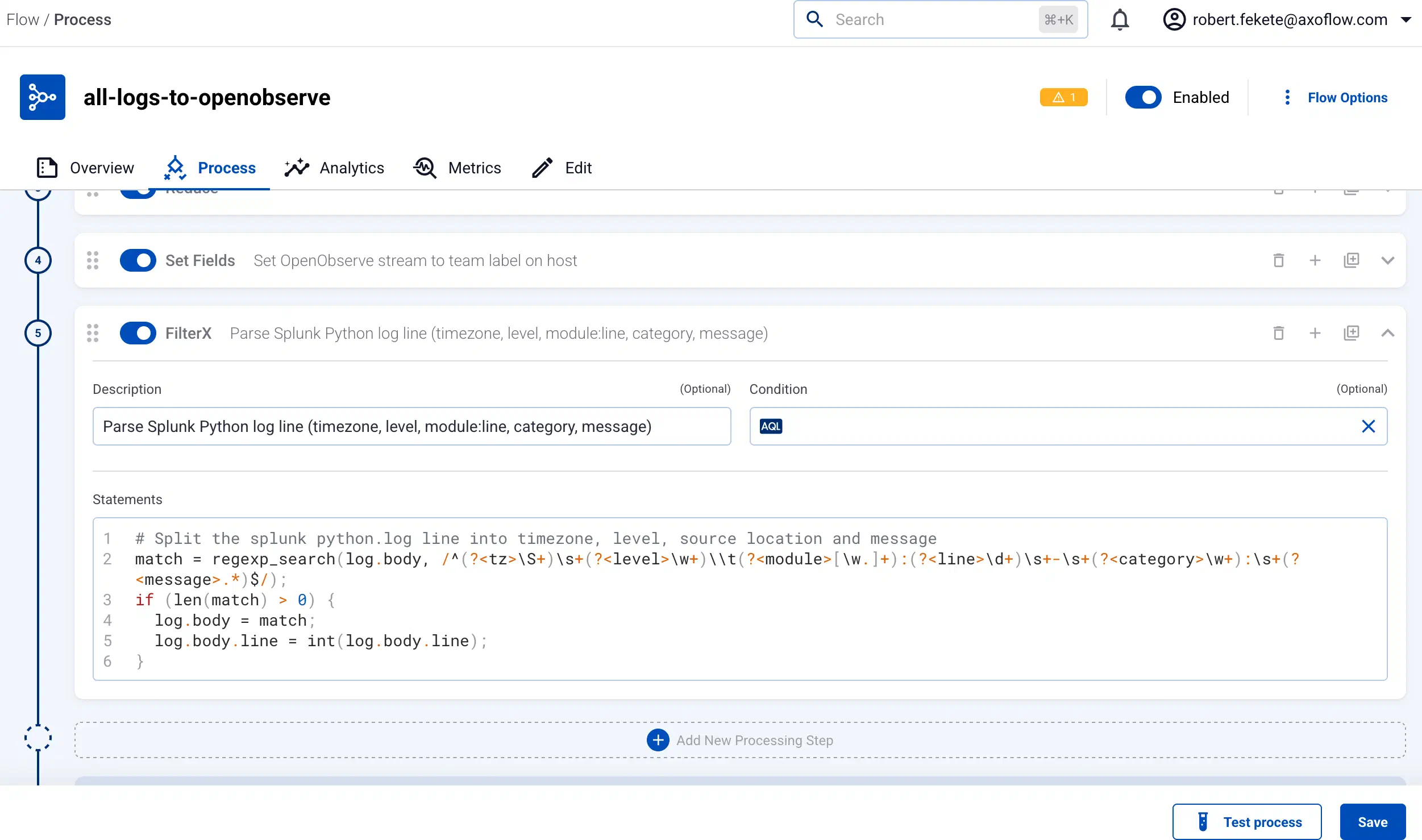
AI assistant
The AI assistant in AxoConsole lets you complete data management and configuration tasks with a preconfigured large language model (LLM). The model, and the token and budget limits, depend on your subscription.
Prerequisites
- The AI assistant must be enabled and configured for your tenant. By default, it isn’t enabled on every tenant. If you want to enable it for your tenant, contact our support team.
- For on-premises AxoConsole deployments, enabling the AI assistant requires custom integration. Contact our support team for details.
AI-assisted parsing
AI-assisted parsing creates a custom FilterX processing step to parse a specific log message. Use it for the logs of custom applications, or for log sources that AxoRouter doesn’t support by default. Complete the following steps.
-
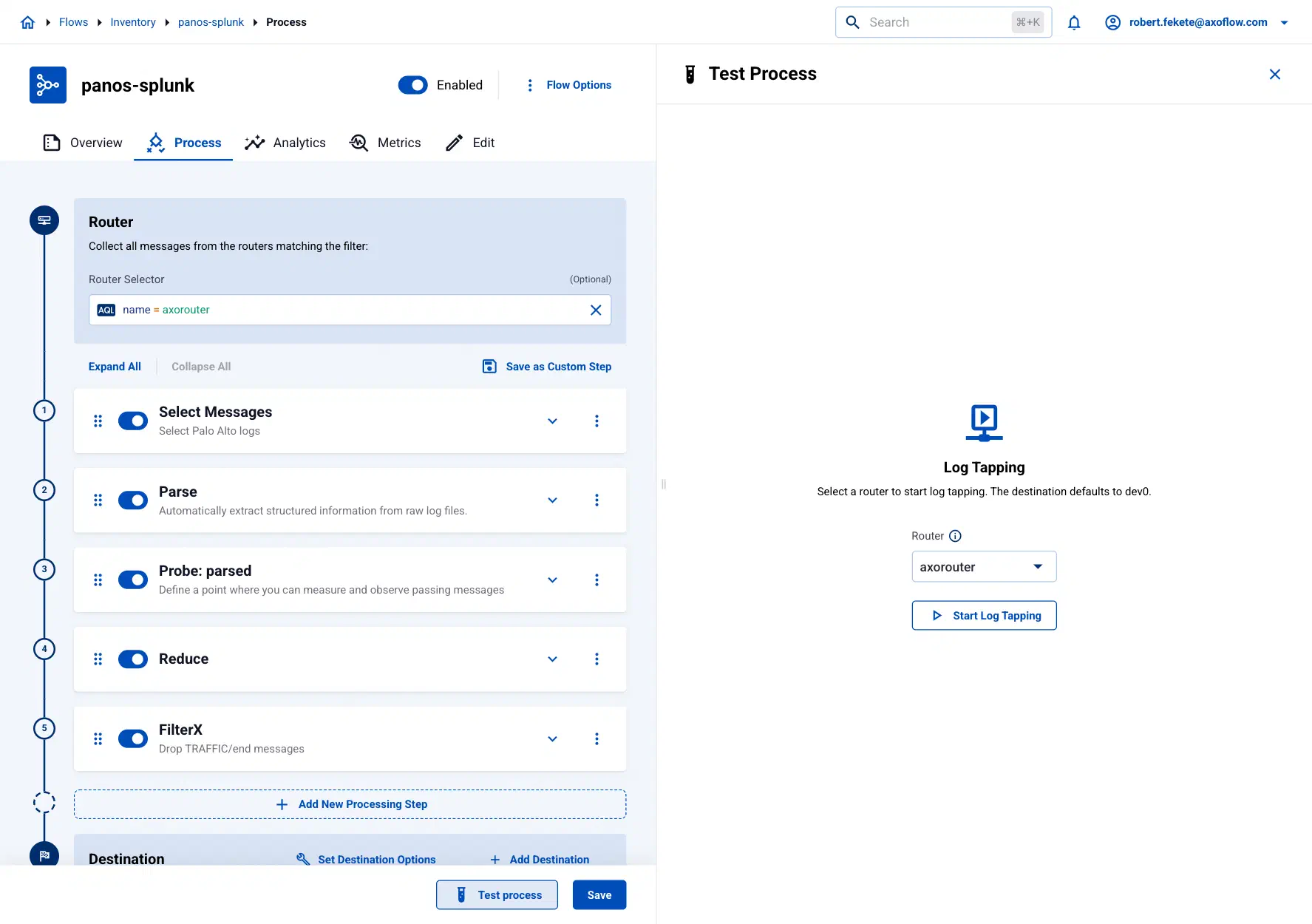
Use Flow tapping to find the log message you want to parse.
- Select Flows, then the flow you want to tap into
- Select Process > Test process.
-
When the logs you’re interested in appear, select Pause.
-
Select the icon next to a log message to see its details.
-
Select AI-assisted Parsing. This option is available only for messages whose body (
log.body) is an unparsed string.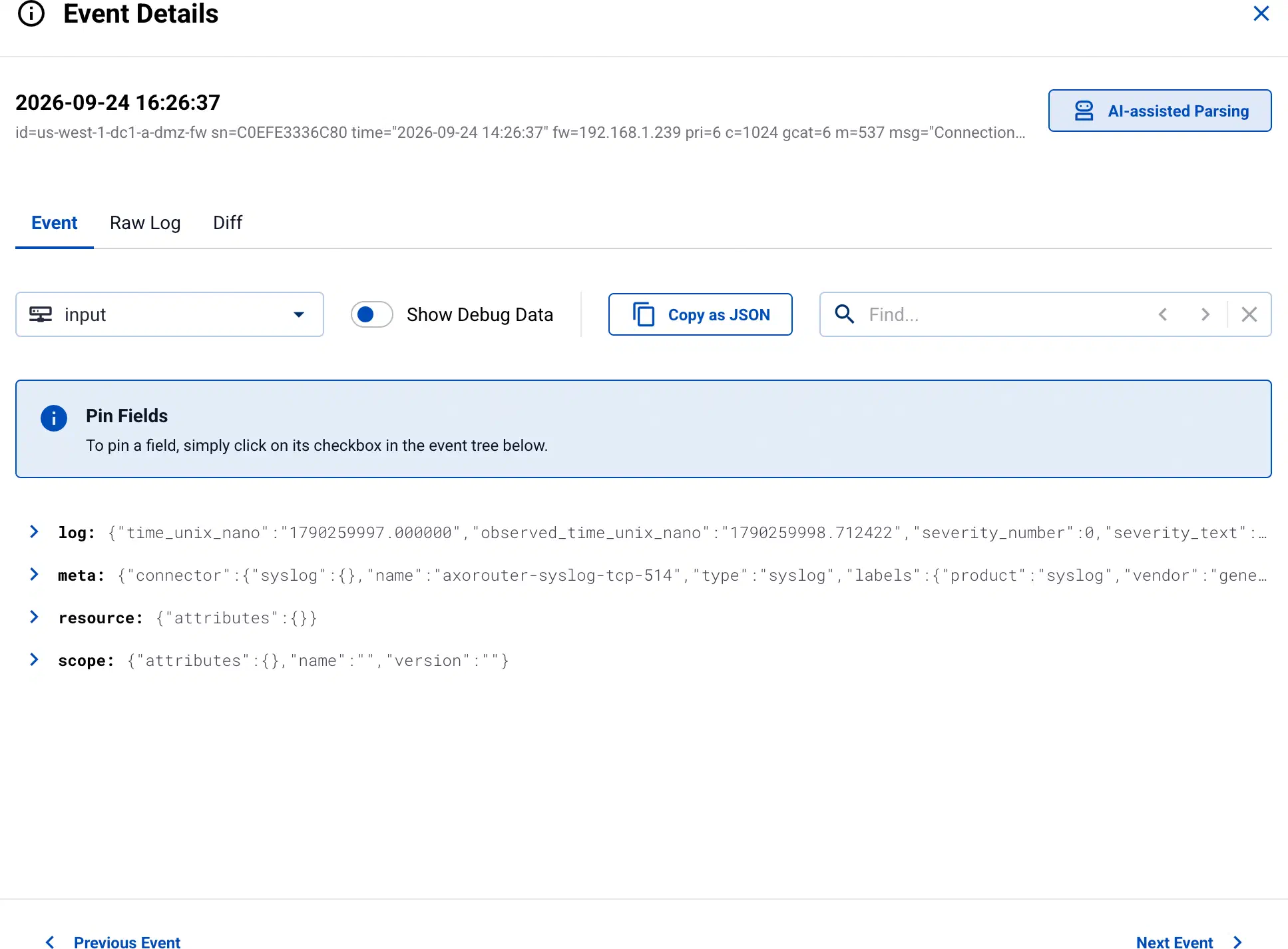
-
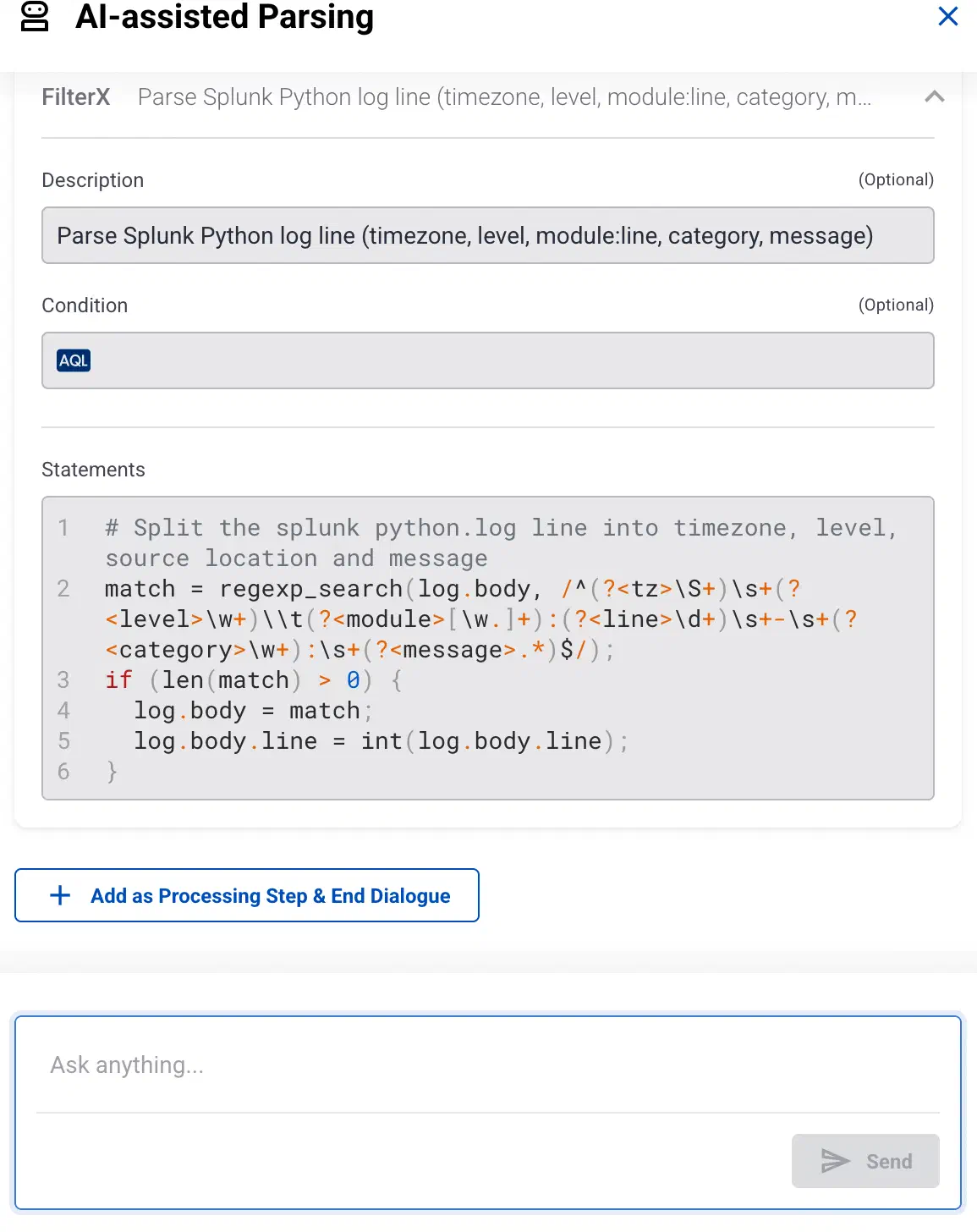
Wait until the AI assistant creates the parser.
-
If you want to adjust the parser, chat with the assistant.
-
If you’re satisfied with the result, select Add as Processing Step & End Dialogue. The assistant adds the processing step to the flow.
-
Check that the processing step is in the right position, then select Save to save the flow.