Axoflow Platform · Edge Collection
Lightweight collectors that turn any host into a security data source
AxoEdge deploys a customized OpenTelemetry Collector to Windows and Linux hosts, managed centrally from AxoConsole. Label-based collection rules decide what each host collects — files, Windows Event Log, ETW, or journald — and provision it automatically, with no manual per-host setup.
Why AxoEdge
Any OS, one agent model
Windows Server 2016–2025, Windows 10/11, and most RHEL/Debian-compatible Linux distributions, on x86_64 and arm64.
Zero-touch provisioning
Collection rules apply automatically to every host that matches their edge selector — no manual configuration per host.
Metrics-only telemetry
Only host and pipeline metrics are sent to AxoConsole; your log data stays in your own environment until you route it.
Centrally managed
Approve, monitor, and update every agent from AxoConsole, alongside the rest of the Axoflow Platform.
Install, approve, assign, and forward
One-line deployment
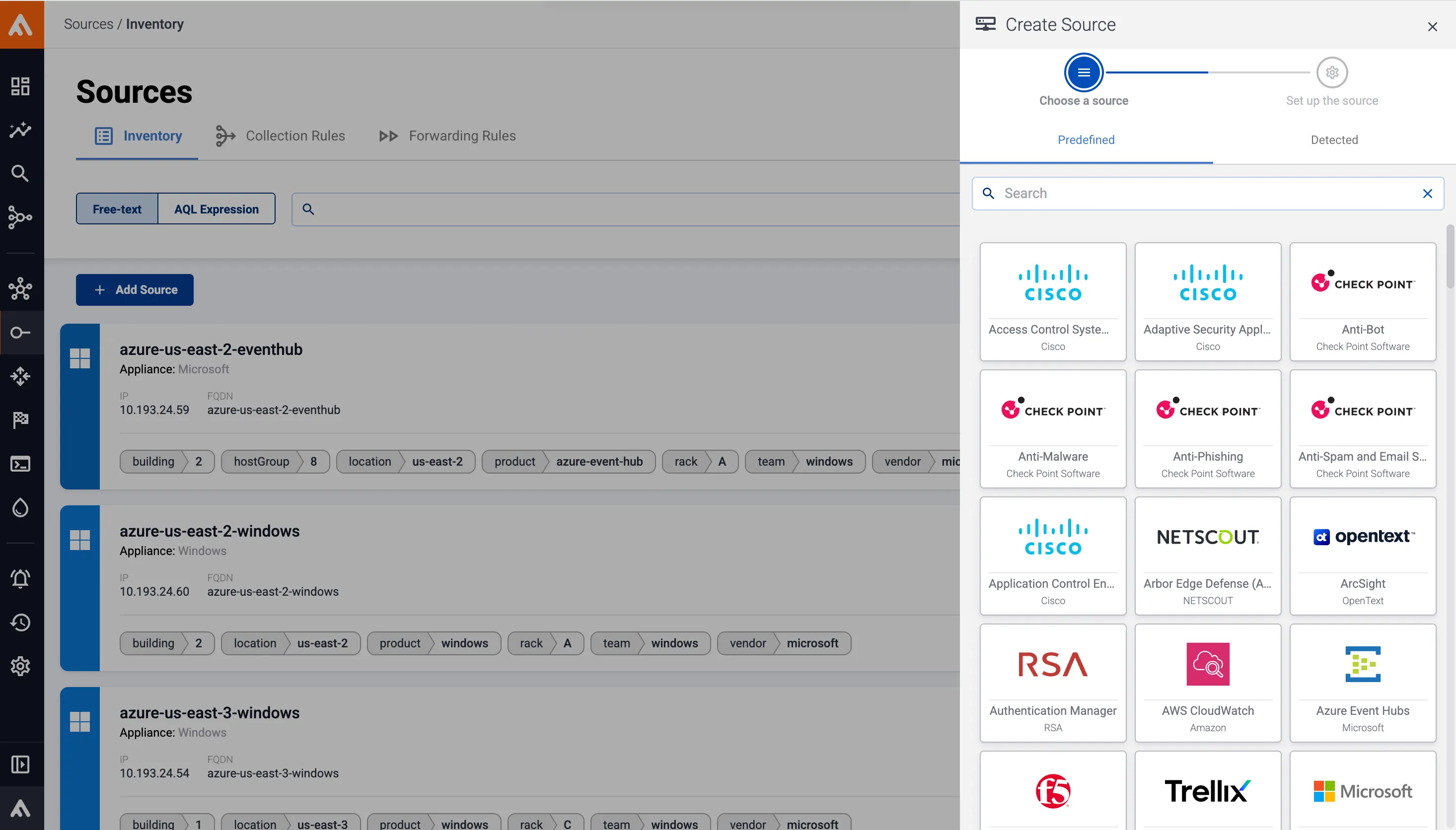
Select Provisioning > Select type and platform in AxoConsole, then run the generated one-liner in a terminal or PowerShell as Administrator. The script installs axolet and the Axoflow OpenTelemetry Collector, or updates them if they’re already present.
Host registration
On first run, axolet generates a unique identifier and starts a cryptographic handshake with AxoConsole. Reload the Provisioning page, accept the new host’s registration request, and it appears on the Topology page.

Label-based collection rules
Edge collection rules match hosts by label — hostname, OS, or custom metadata — using an edge selector, then automatically provision the matching collector type: File Collector, Windows Event Log, Windows Event Tracing (ETW), or Journald Collector.
Route to AxoRouter
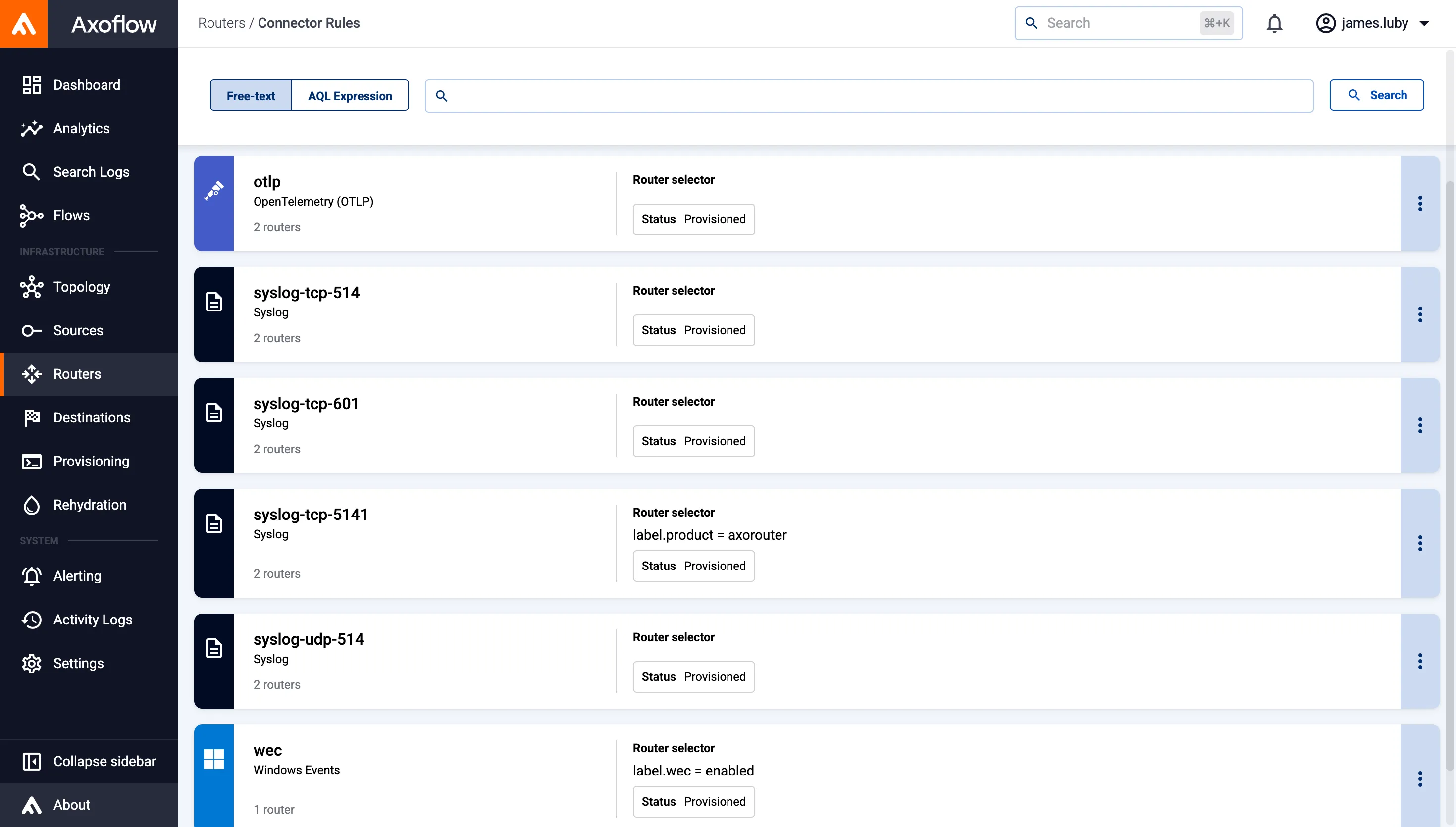
Collected data streams over OTLP/gRPC to the OpenTelemetry connector of an AxoRouter, ready for classification, curation, and policy-based routing — while only host and pipeline metrics are sent on to AxoConsole.

Endpoint & server visibility
Bring Windows and Linux hosts into your security data pipeline without deploying heavy agents or SIEM forwarders.

Windows Event Log & ETW
Capture Windows Event Log and Event Tracing for Windows (ETW) sources natively, without separate WEC infrastructure.
Fleet-wide rollout
Use label-based edge selectors to onboard hundreds of hosts under one collection rule, instead of configuring each one by hand.
Air-gapped & on-prem
Deploy AxoEdge with an on-premises AxoConsole, keeping data collection entirely inside your own network.
Frequently asked questions
What is AxoEdge?
AxoEdge is Axoflow’s family of lightweight edge collectors for Windows and Linux, built on a customized OpenTelemetry Collector distribution and managed by the axolet agent.
Which operating systems does AxoEdge support?
On Windows: Windows Server 2025, 2022, 2019, and 2016, plus Windows 11 and Windows 10, all on x86_64. On Linux: most Red Hat and Debian compatible distributions, on x86_64 and arm64 — Red Hat Enterprise Linux 9 is recommended for production environments.
What data sources can AxoEdge collect?
Files, Windows Event Log, Windows Event Tracing (ETW), and systemd journals (via the Journald Collector on Linux).
How does AxoEdge decide what to collect on each host?
Edge collection rules match hosts using labels — hostname, OS, or custom metadata — through an edge selector. The rule then automatically provisions the matching collector on every host that fits, without any manual per-host setup.
Does my log data leave my environment?
No. Communication between AxoEdge hosts and AxoRouter uses OTLP/gRPC directly, within your own environment. Only host and pipeline metrics are forwarded to AxoConsole for observability.
How do I install AxoEdge?
In AxoConsole, select Provisioning > Select type and platform, choose Edge and your platform, then run the generated one-line install command on the host as Administrator (Windows) or in a terminal (Linux). Approve the resulting registration request on the Provisioning page.
Go deeper on AxoEdge
Windows agent
Prerequisites, network access requirements, and step-by-step install instructions for AxoEdge on Windows.
Linux agent
Prerequisites, network access requirements, and step-by-step install instructions for AxoEdge on Linux.
Edge collection rules
How label-based edge selectors and collection rules automatically provision collectors across your fleet.